
Find What Fits Your Toyota


Maestro Universal Radio Replacement (ADS-MRR)
Maestro Universal Radio Replacement (ADS-MRR)

In stock
Couldn't load pickup availability
Fast US Standard Shipping &
Easy International Shipping
30-Day Returns
TG Pro
Satisfaction Promise
Trail Grid Pro Tested
- Details
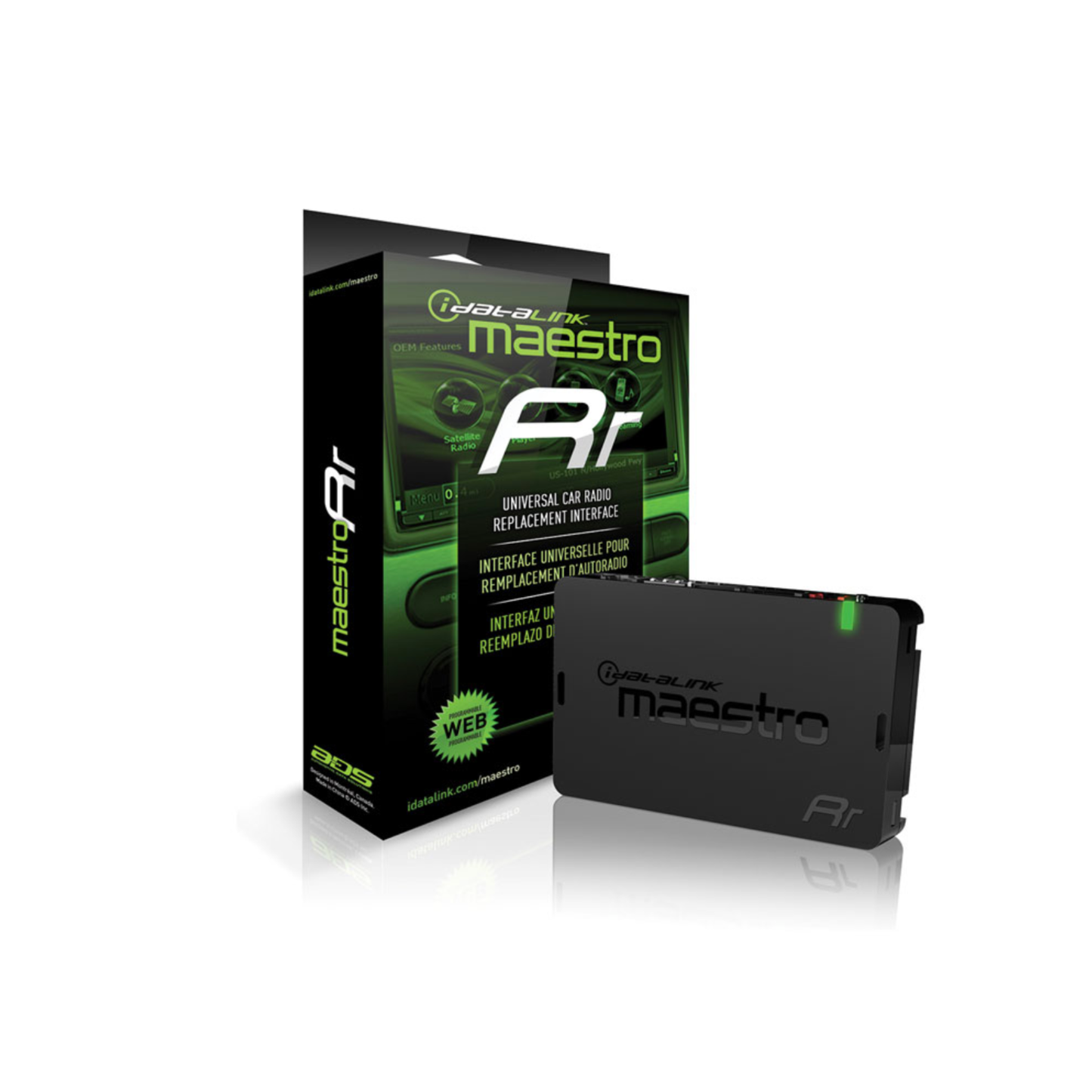
iDatalink Maestro ADS-MRR Interface Module
Factory Integration Made Simple — Delivered by Trail Grid Pro
The iDatalink Maestro ADS-MRR is the foundation of a truly integrated aftermarket head unit upgrade. When paired with the correct vehicle-specific Maestro harness, this interface allows you to install a new stereo while retaining critical factory features like steering wheel audio controls and your factory amplifier (if equipped).
The ADS-MRR supports a wide range of vehicles, including select Ford, GM, Chrysler/Dodge/Jeep/RAM, Toyota/Scion, Honda/Acura, Subaru, Volkswagen/Audi, and more—making it one of the most powerful and flexible integration solutions on the market.
How the Maestro ADS-MRR Works
Before installation, the ADS-MRR is quickly programmed using iDatalink’s web-based flashing tool. Simply connect the module to your computer with the included USB cable, select your vehicle and head unit, and flash the correct firmware. Once programmed, the module is ready to integrate seamlessly into your vehicle.
The ADS-MRR connects to your vehicle using a Maestro vehicle-specific harness (sold separately), which is spliced or crimped to your aftermarket radio’s wiring harness—just like a traditional radio install, but with far more capability.
Trail Grid Pro Tip: When you purchase a new head unit and ADS-MRR from Trail Grid Pro, we’ll automatically add the correct vehicle-specific Maestro harness to your cart at a discounted price.
Retain Steering Wheel Controls — and Customize Them
The Maestro ADS-MRR lets you keep full functionality of your factory steering wheel controls. Even better, each button can be custom-mapped using iDatalink’s programming interface.
You can assign:
- A primary function (tap)
- A secondary function (press and hold)
This effectively doubles the control options available at your fingertips.
Unlock Factory Features with iDatalink-Ready Radios
When paired with a compatible iDatalink-ready head unit, the ADS-MRR goes beyond basic integration—unlocking factory feature retention and on-screen vehicle data, depending on the vehicle.
Examples include:
- Toyota: Retains factory USB port, A/V input, and backup camera
- GM: Retains OnStar®, factory amp, warning chimes, and steering wheel controls
- Ford: Retains SYNC®, factory Bluetooth, steering wheel controls, and more
- Chrysler: Retains Uconnect®, factory amp, and voice command features
- Honda: Retains factory Bluetooth, aux input, and amplifier
- Subaru: Retains factory amp, subwoofer, and backup camera
-
Volkswagen: Retains factory digital amp, Bluetooth, fader, and media interface
(Select Kenwood units can display navigation info on the factory multifunction display)
Feature availability varies by vehicle and radio—see fitment details for exact compatibility.
Product Highlights
- Enables aftermarket stereo installation in select vehicles across multiple manufacturers
- Retains factory steering wheel controls and factory amplifier (if equipped)
- Supports OEM feature retention with compatible iDatalink-ready radios
- Displays vehicle performance data and gauges on select head units
- Web-programmable via iDatalink Maestro software
- Compact design for easy dash integration
Module Dimensions:
4-1/8" W x 3/4" H x 2-7/8" D
Warranty: 1 year
What’s Included
- iDatalink Maestro ADS-MRR Interface Module
- 18" Interface Harness (4-pin to 4-pin)
- 18" Steering Wheel Control Harness (4-pin to 3.5mm)
- 22" Audio Harness (3-pin to 3.5mm)
- 7" USB Programming Cable
- Quick Start Guide